The Chinese App Survival Guide: Meituan, Amap, Taobao Without Mandarin
Daily life in China runs through apps, and almost none of them speak English. Ordering food, hailing a car, buying groceries, reading a map — each one puts a dense, entirely Chinese interface between you and something you need today.
WeChat covers part of the problem: its built-in long-press translation handles the QR-code mini-apps you’ll use at restaurants and shops, and it works well there. The gap is everything outside WeChat — the standalone apps where the real functionality lives. Their text isn’t selectable, so no built-in iOS feature can touch it, and screenshotting your way through a grocery order gets old by aisle two.
The fix that finally made these apps usable for me: a floating translation window from PiP Translate that sits on top of whatever app is open and shows the English version live.
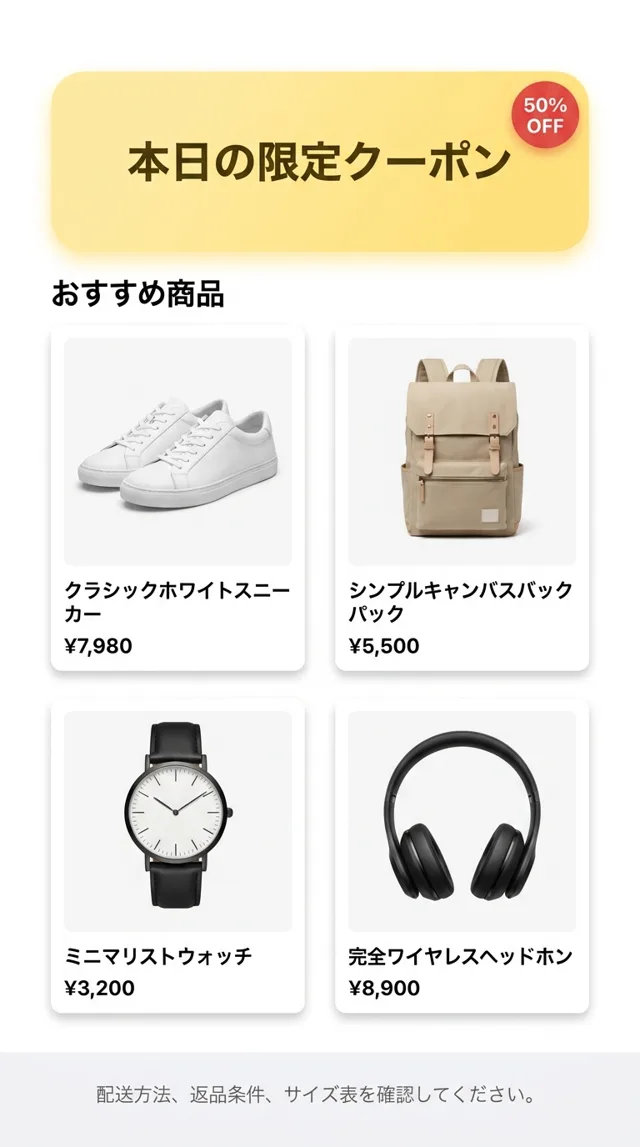
 PiP Translate
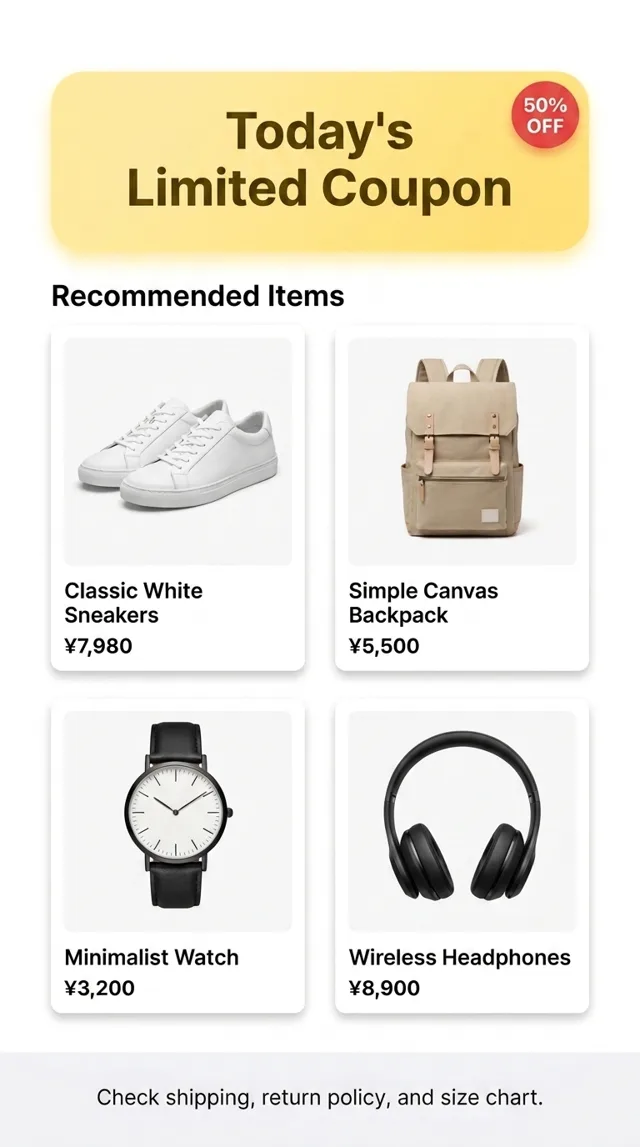
The app stays open; the translated screen floats above it
Here’s where that pattern earns its keep across the apps you’ll actually depend on.
Navigation: Amap (高德地图)
Google Maps barely functions in China. Amap and Baidu Maps are excellent — fast, accurate, integrated with transit and ride-hailing — but the interface is 100% Chinese.
With the floating window on, the route options resolve into “Walking”, “Transit”, “Carpool” — Amap even offers a “More Shade” route in summer. The numbers were never the problem; now the buttons aren’t either.
Groceries and delivery: Meituan and Freshhippo
Meituan delivers nearly anything in about 30 minutes — if you can tell what the product is. Freshhippo (盒马) is the premium grocery option with the best imported selection.
With translation floating over the product page, the mystery listing resolves into an actual name, a delivery estimate (“~30 minutes”), and a return policy — read before paying, not guessed after. That changes these apps from a gamble into normal shopping. One habit worth stealing: sort by sales volume (按销量) when browsing a category — what locals buy in volume is usually the safe pick when you can’t parse every description.
Shopping: Taobao
Taobao’s account page alone is a wall of features — orders in four pending states, wallet, coupon center, followed stores. With the English version (“My Orders”, “Coupon Center”) floating next to it, it becomes navigable rather than intimidating.
Taobao deserves its own deep dive — search habits, seller signals, importer tips: Shopping Taobao in English.
The two-tool stack
After enough trial and error, the setup that covers essentially everything:
- WeChat’s built-in translation for mini-apps — restaurant QR menus, in-WeChat shops. Long-press, translate, done.
- A floating translation window for every standalone app — Taobao, Meituan, Amap, Freshhippo, Didi, bank apps. Start the session once, use your phone normally.
Payments (Alipay with an international card), a roaming eSIM for unblocked internet, and Didi for rides round out the survival kit — but those have English modes or work with numbers, which don’t need translating.
The honest part
A floating OCR window is not magic. Very small text in dense tables can misread, stylized promo fonts sometimes slip, and China’s aggressive flickering captchas defeat every screenshot and OCR tool in existence (locals never see them; new foreign accounts always do). But for the daily loop — order food, buy groceries, read the map, check the order status — it removes the barrier that matters.
The language wall doesn’t disappear. It just stops being the thing that decides what you can and can’t do today.
Shopping rather than travelling? See Taobao in English, 1688 in English for wholesale, and Pinduoduo in English. For restaurants and trip planning, see Dianping and Meituan in English and Xiaohongshu in English.
Heading to China? Download PiP Translate before you land and test it on any Chinese text — you’ll want it working before the first Meituan order.